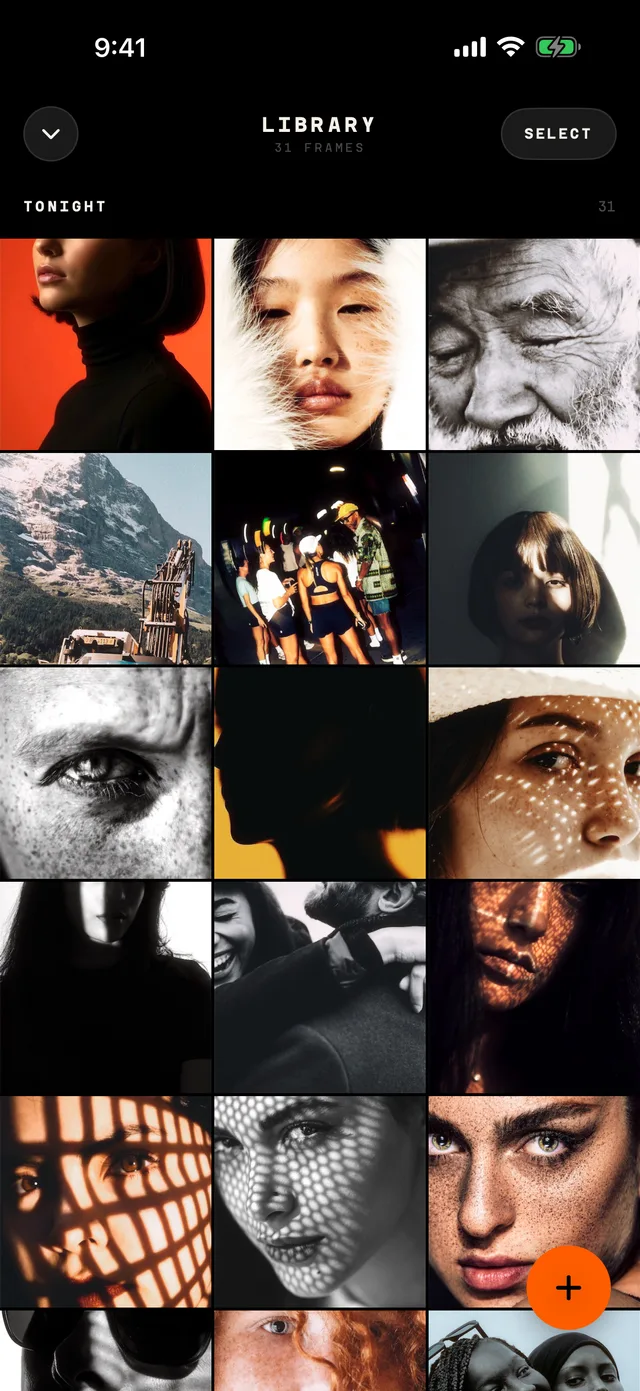
Tap anywhere to shoot
The whole screen is the shutter. No modes, no lag, no missed moments.
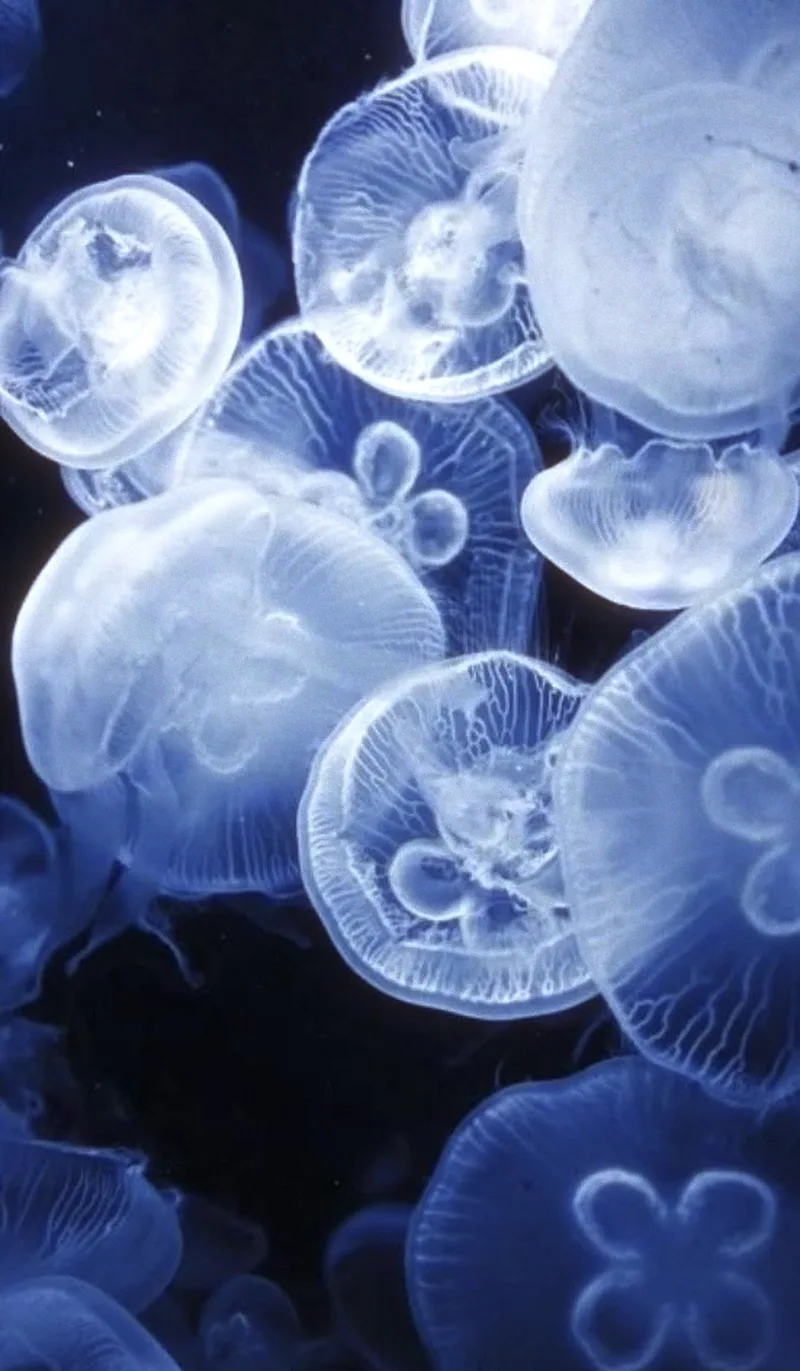

Developed
01Features
Point, tap and keep the night. CMFRT does what a point-and-shoot and a roll of film did, then develops every shot before you put your phone away.
The whole screen is the shutter. No modes, no lag, no missed moments.
Your iPhone's torch fires as the flash, for that bright, direct point-and-shoot look at night.
Swipe to load a stock. Like real film, you see it once it's developed.
Grain, halation and glow on every shot. No lab, no week-long wait.
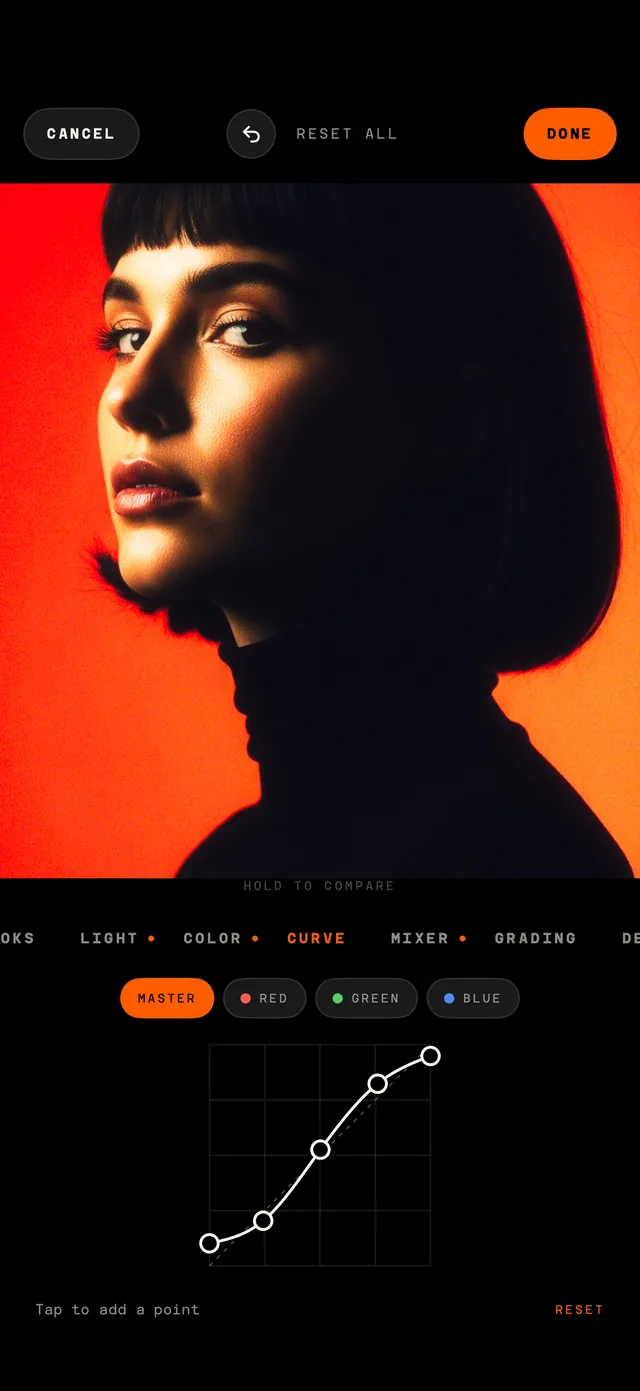
Tune grain, halation, curves and color in the Film Lab, then save it as your own stock.
Every shot keeps its original. Hold it and swipe to see it on another stock, live.
Every shot is RAW where your iPhone allows it, so the film develops from real sensor data.
Turn on the lock in Settings and CMFRT opens only with Face ID or your passcode.
No film to buy. No frames to count. Just keep shooting.
Add CMFRT to your Lock Screen or Control Center and open the camera straight away.
02The look
Every stock is modeled on a real film: its color, its grain, the way its highlights bloom and halate. You load a film, shoot the night, and get prints that look like they came back from the lab.
Film stocks
Settings
Click captures
03Re-develop
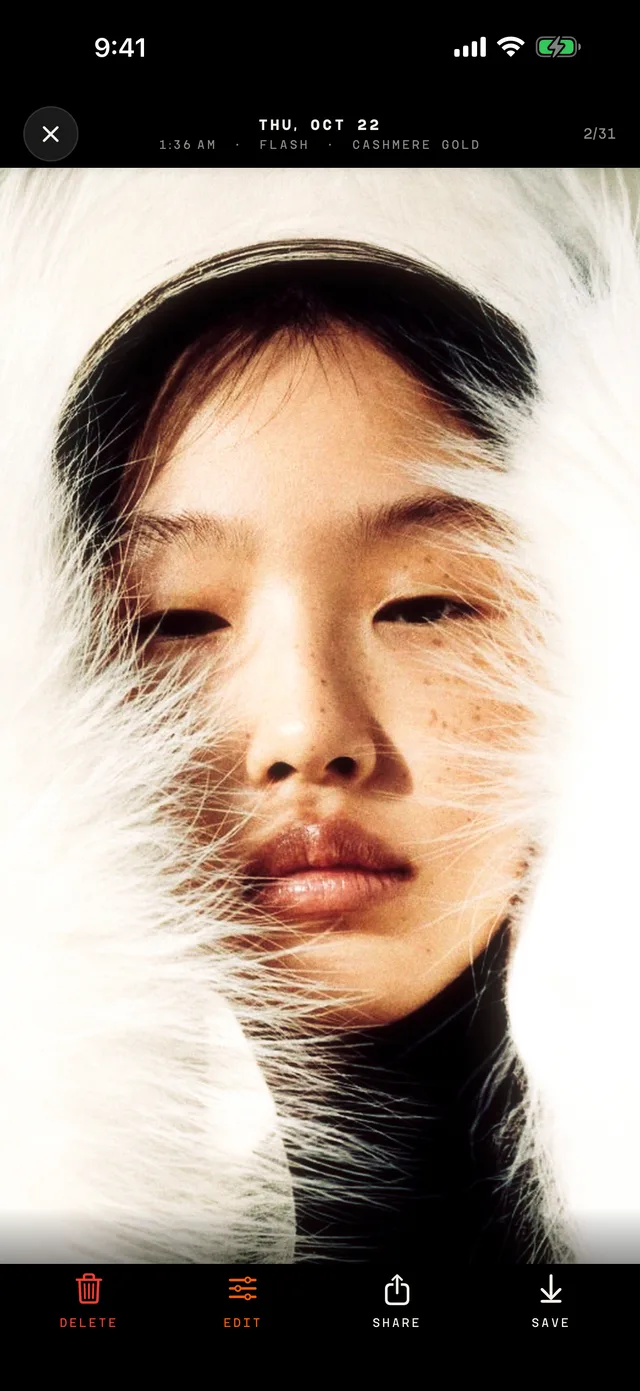
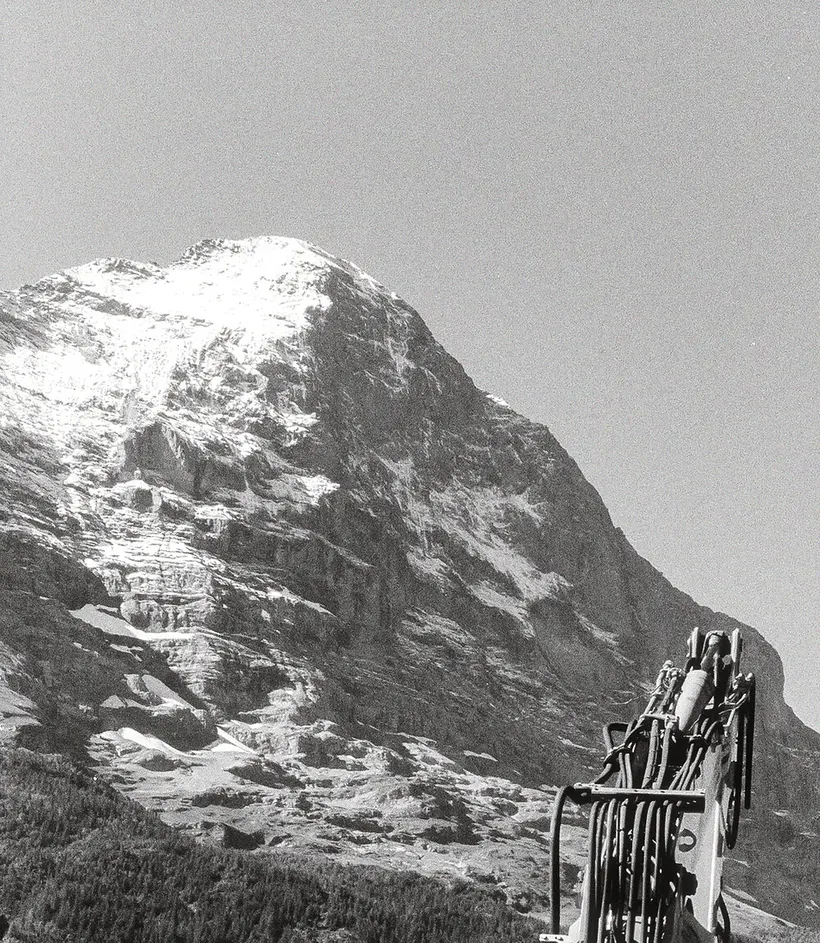
CMFRT keeps every shot's original, so you can develop it again on any stock, or one you made, and change your mind as often as you like. In the app, hold a photo and swipe to watch it pass through each film.
Drag the photo or pick a film



04Film Lab
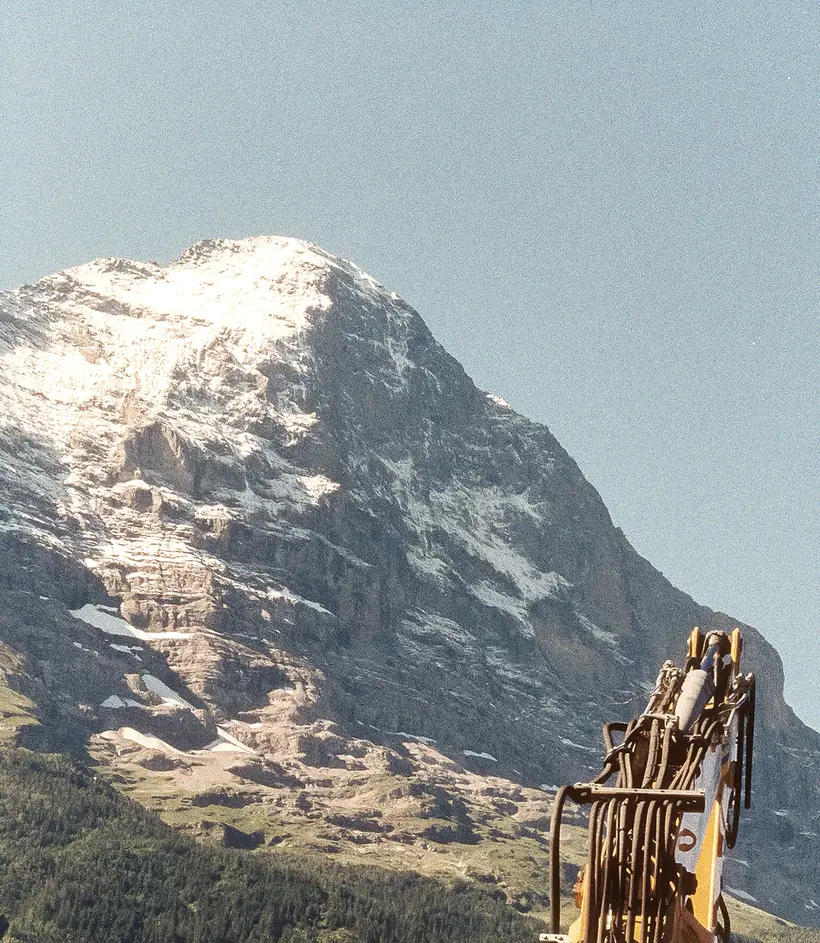
Start from any stock and tune it: light, color, curves, grading, grain, halation and bloom. Save it as your own film and the camera loads it like any other.
05The films
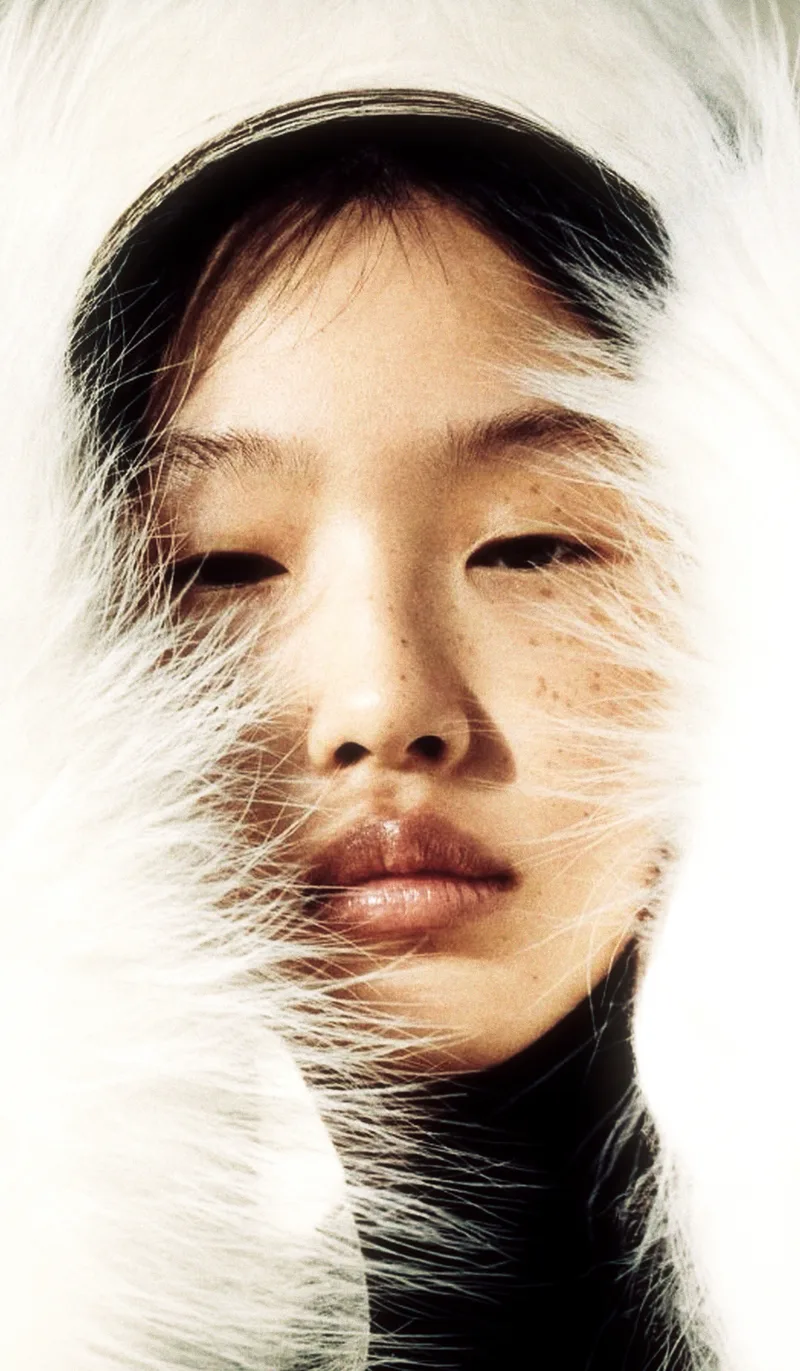
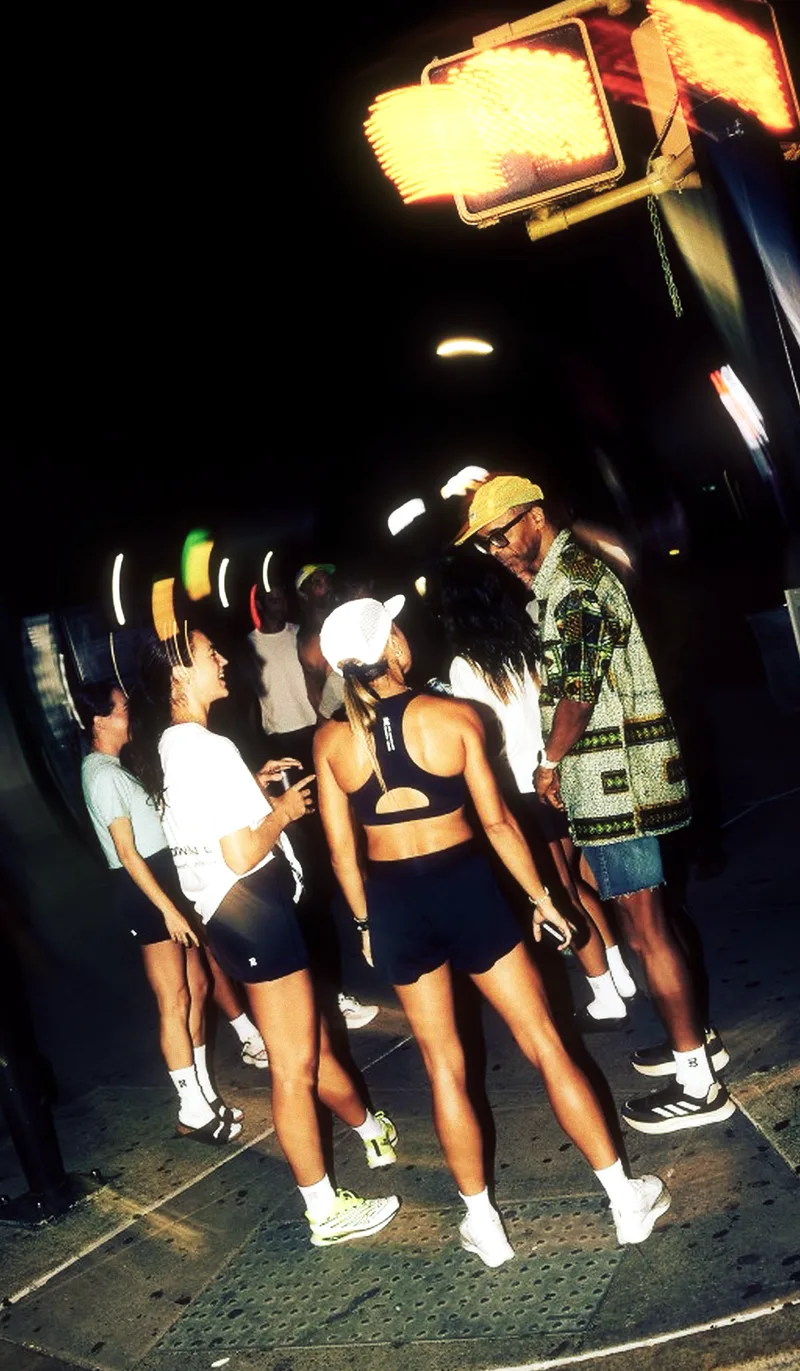
Warm Agfa color, punchy Kodak Gold, high-speed Fuji grain, and black and white. Load one before you shoot, or re-develop afterwards on another.




06Get CMFRT
CMFRT is coming to the App Store for iPhone. Tap anywhere, fire the flash, and let it develop.